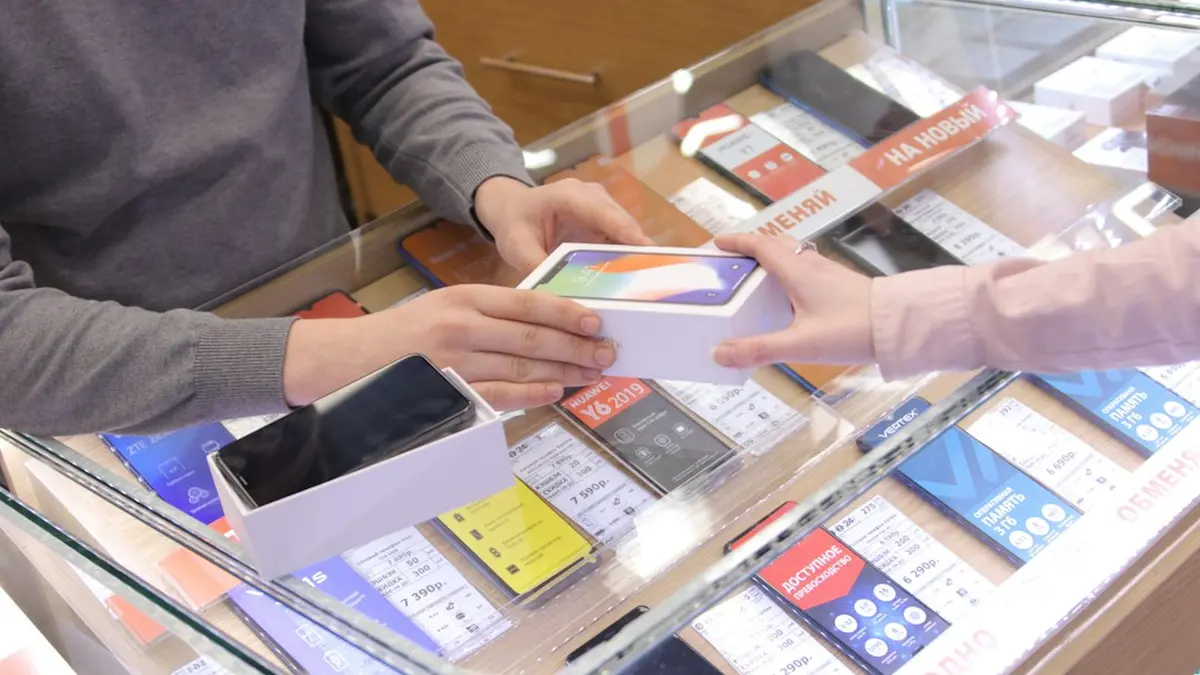
At Target's Guest Services counter, a barcode on a phone screen does the work of a paper receipt, and unlike the paper it does not fade in a coat pocket. By the end of this page, purchases at Walmart, Target, Costco, Best Buy and Amazon will save their own receipts to accounts you can open at the counter, and the setup takes one sitting with your phone. The one thing to know first: the receipt is made at the moment you pay, by what you pay with or the number you give, so the work happens before checkout, not at the returns desk.

What you need

  • The Walmart, Target, Costco and Best Buy apps, signed in

    Amazon needs nothing new, since every order already lives in the account.

  • The credit or debit card you use in stores

    Walmart's and Target's digital records are built mostly on card data. Cash leaves very little to find.

  • A phone number registered with Target Circle

    This is the fallback when you pay at Target with something that isn't linked.

  • A Costco.com account linked to your membership number
  • A My Best Buy account with your phone number and email on it

Setting each store to save the receipt

  • Walmart: save your in-store card to your Walmart.com account

    When this works, the card shows in the app's wallet and can be selected for payment.

  • Walmart: pay at the register with Walmart Pay or that saved card

    When this works, the trip appears under Account, then Purchase History. Tap View receipt to screenshot it, save it as a PDF, or start a return. Purchase History also shows the last date each item can be returned.

  • Target: link your payment card to your Target.com account, or add it to Wallet in the app

    Per [Target's help center](https://www.target.com/help/article/000062473), a linked card, Wallet, or a Circle phone number entered at checkout are the three ways a digital receipt gets made.

  • Target: scan Wallet or enter your Circle phone number at checkout

    When this works, the trip appears within a few hours in the app's account tab under Purchase history, or on Target.com under Orders with the view switched to In-store. It stays there for about a year.

  • Costco: link your membership to a Costco.com account

    Every warehouse purchase is already tied to your membership number. Linking the account lets you see those receipts going back up to two years, according to [Costco's customer service page](https://customerservice.costco.com/app/answers/detail/a_id/1191/~/what-is-costcos-return-policy).

  • Best Buy: give your My Best Buy phone number or email at checkout, or pay with the My Best Buy Credit Card

    When this works, the in-store sale syncs to your purchase history. Online orders sit under Order History on BestBuy.com or the app, where you select the order and view or print the receipt.

  • Amazon: open amazon.com/your-orders when you need proof

    From an order you can download an invoice or print an order summary. There is nothing to set up, because no Amazon order exists outside the account.

Not every store treats the result the same way at the counter. Target says it most plainly: a digital barcode from the app or account can stand in for a printed receipt. From Purchase history, choose Return an item or Return options, then hold the barcode up at Guest Services. On Target.com you can choose Print return barcode instead. Walmart lets you start the return from the receipt itself. Costco and Best Buy work the other way around, with the associate finding the sale through your membership, phone number, email or card. Returns blogs report that Costco began accepting app receipts with scannable QR codes at the returns desk in February 2026, though Costco's own policy page does not describe that feature yet.

When the receipt isn't there

The [Walmart receipt lookup tool](https://www.walmart.com/help/article/view-store-purchases-and-find-receipts/f56a1afbf3b5428bb69f0124daa49108) at walmart.com/receipt-lookup only finds debit and credit card purchases. You enter the store ZIP code or city, the date, the card type, the last four digits and the total. A cash trip falls back to the rules for a [Walmart return without a receipt](/walmart-return-policy-without-a-receipt/), which call for photo ID and usually pay out as a gift card.

Check three things. It may not have been a few hours yet. It may have been paid with cash, a check, or a GiftCard not in Wallet, without a Circle phone number entered. Or it may be older than about a year. If you still have the paper receipt, Guest Services can issue a gift receipt from it before it expires.

Returns blogs report that Manager Special items (prices ending in .00) may not show their local price in the digital system and can still need the paper receipt or a manager's approval. Those same sources say an online order's receipt cannot be used for a warehouse adjustment, and the reverse is also true.

Ask at the counter anyway. According to [Best Buy's policy](https://www.bestbuy.com/site/help-topics/return-exchange-policy/pcmcat260800050014.c?id=pcmcat260800050014), associates can search by phone number, email, account, the card used, or the serial number on TVs, laptops and large appliances. Without any proof of purchase, the refund comes as store credit and does not include sales tax.

The Guest Services counter has not changed, and neither has the return window that governs it. What changes is what you bring: a record that was written down when you paid, instead of a slip that has been slowly fading since. The window still runs out, though, so match each receipt to its deadline next.

How long does each receipt need to last?

The return and warranty windows at each big retailer, matched to how long to hold the proof.

See how long to keep receipts