Best Warranty Tracker Apps for Receipts and Manuals
Staff Writer
A receipt you photograph at the checkout counter is proof of purchase only as long as the app holding it stays in business, and almost nobody asks how long that will be. This list ranks seven ways to store a receipt with its warranty end date and get a reminder before a return window or warranty closes. Each one is judged on a single question: can you still produce proof of purchase when a claim comes up, including after the app is gone? The list runs best first. It starts with tools that leave your records in a file you own and ends with the ones whose makers have not published how you get your data out.
The law sets a lower bar than most shoppers assume, and that is why the order matters. Under the FTC's interpretive rule for the Magnuson-Moss Warranty Act, a full warranty cannot make documentary proof of purchase a condition of service. The burden is on the warrantor to show you are not the original owner. Limited warranties are different, because a manufacturer may require proof of purchase there. In those cases a dated receipt, kept somewhere that lasts, does the work.
| Option | What it stores | Export | Cost (as published) |
|---|---|---|---|
| Warracker | Vendor, price, serial and model numbers, warranty type and end date, with receipt and manual attached | CSV; data sits on your own server | Free, self-hosted |
| Recevity | Receipts by email, label scan or PDF; warranty and return dates; manuals | Export anytime, per its homepage | Free Starter (5 monitored items); Pro $29/yr; Family $49/yr |
| Cloud folder plus phone notes | Any file you save, dated in the filename | The files are already yours | Free |
| WarrantyHub app | Receipts, serial numbers, 30-day expiry alerts | Insurance-ready PDF | Free, per its maker's blog |
| VaultlyKeep | Receipts, warranty and return-window dates, reminders | Not stated | Free tier; Pro from $9.99/mo |
| Adobe Scan or Microsoft Lens | Receipt scans only | Saves to Drive, Dropbox or OneDrive | Free |
| Slipcrate | Receipt data extracted by AI; calendar reminders | Not stated | Paid only; price not stated |
Warracker is free, self-hosted software, so your records live on a machine you control rather than on a company's servers. According to XDA Developers' walkthrough, each entry holds:
The receipt, the manual and the invoice URL attach to the same record. Warracker sends email and Apprise alerts before a warranty expires and exports to CSV. Its source code is public on GitHub, so if the project ended, your data would not end with it.
The cost is setup. It deploys through Docker, Proxmox VE helper scripts, CasaOS or Cosmos Cloud, which puts it out of reach for a shopper who has never run a home server. For someone who has, nothing else on this list keeps proof of purchase so firmly in the owner's hands.
Recevity is the most complete hosted option. It is also the only one here whose maker puts its exit terms on the homepage: "Export everything anytime. You're never locked in."
You add receipts by forwarding an email, scanning the product label or uploading a PDF. The service files each one with its warranty window and return deadline, pulls in the official manual, checks for recalls, and flags products that still need registering.
The free Starter plan holds unlimited items but monitors only five. Pro was listed at $29 a year, and Family, for up to five people, at $49. The export promise is why Recevity ranks this high. The registration flag is a convenience, not a deadline you can miss, as the rule below explains.
The free option is a system rather than a product, and its strength is that there is no company to outlive. Sixbytes recommends one Home folder split into Appliances, Electronics, Furniture and Tools. Each product gets its own subfolder holding the receipt, warranty certificate, manual, installation instructions and service records.
Rename files so they explain themselves. A name like "2026-05-Dishwasher-Receipt.pdf" tells you the purchase month, and roughly when coverage ends, without opening anything. Keep backups on more than one device.
The weakness is the reminder. Here it is a calendar entry you have to create yourself, and HouseSpouse names that failure plainly: "The part that fails is follow-through." How long each file needs to stay in the folder depends on the window it backs, whether that is a 30-day return or a multi-year warranty.
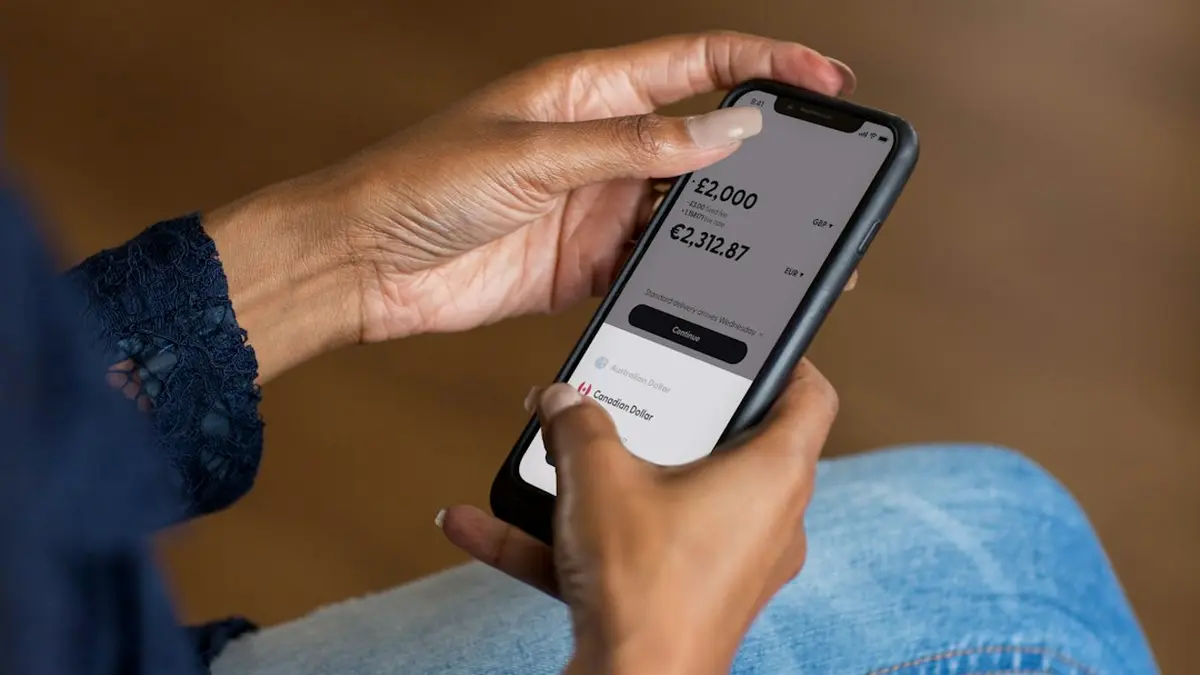
Everything known about the WarrantyHub app comes from its maker's own roundup, which ranks it first, so weigh it accordingly. By that account, it:
It was also the only app in that roundup built for warranty claims rather than general receipt capture. A PDF will open long after the app is gone. The post does not say whether the export covers your whole library at once or one item at a time. Check that in the app before you trust it with a refrigerator.
VaultlyKeep runs in the browser, with a free tier and Pro plans starting at $9.99 a month, according to its own blog. It tracks return windows alongside warranty expiry dates, sends reminders, and generates insurance claim reports and what it calls "resale provenance packs." Pro adds household vaults, so two adults can see the same receipts, and that is the honest case for it.
Its published material says nothing about exporting your records. At twelve payments of $9.99 a year, Pro costs more than Recevity's $49 family plan while saying less about what happens when you leave.
These two do half the job, but it is the half that matters most in a dispute. Both are free. Adobe Scan saves to Adobe Document Cloud, Google Drive or Dropbox, and Microsoft Lens suits anyone who already uses OneDrive or OneNote.
Neither app tracks a warranty date or sends a reminder. The scan does land as an ordinary file in a cloud account you already own, which makes either one a good front end for the folder system above. Better still is a receipt that saves itself at checkout, which takes a little setup at each big retailer.
Slipcrate scans a receipt, pulls out the purchase and warranty details automatically, and adds reminders to Google Calendar at 30, 15, 7 and 1 day before expiry. Its own comparison, updated October 5, 2026, is candid about the rest:
Nothing it has published says how your records leave if you cancel. For a household with dozens of appliances and no patience for typing, the automatic extraction may still be worth paying for. But this is the option on the list where your proof of purchase depends most on a subscription staying active.
Start with the cloud folder, because it costs nothing and every other option here either feeds it or competes with it. A shopper with a handful of warranties can stop there and set calendar reminders by hand. A household with a garage full of appliances should add Recevity or Warracker on top, then copy an export into that folder at each annual review, so the proof never lives in only one place. The full receipt-keeping system, from the kitchen drawer to the cloud, is a bigger job than any app can do. The receipt from the checkout counter only has to survive. Saved as a dated file in a folder you own, it will outlast every company on this list.
Comments
No comments yet. Be the first to comment!
Leave a Comment